Compress PDF

compress pdf, compress pdf files, pdf compress, compress pdf online, compress pdf free smalpdf

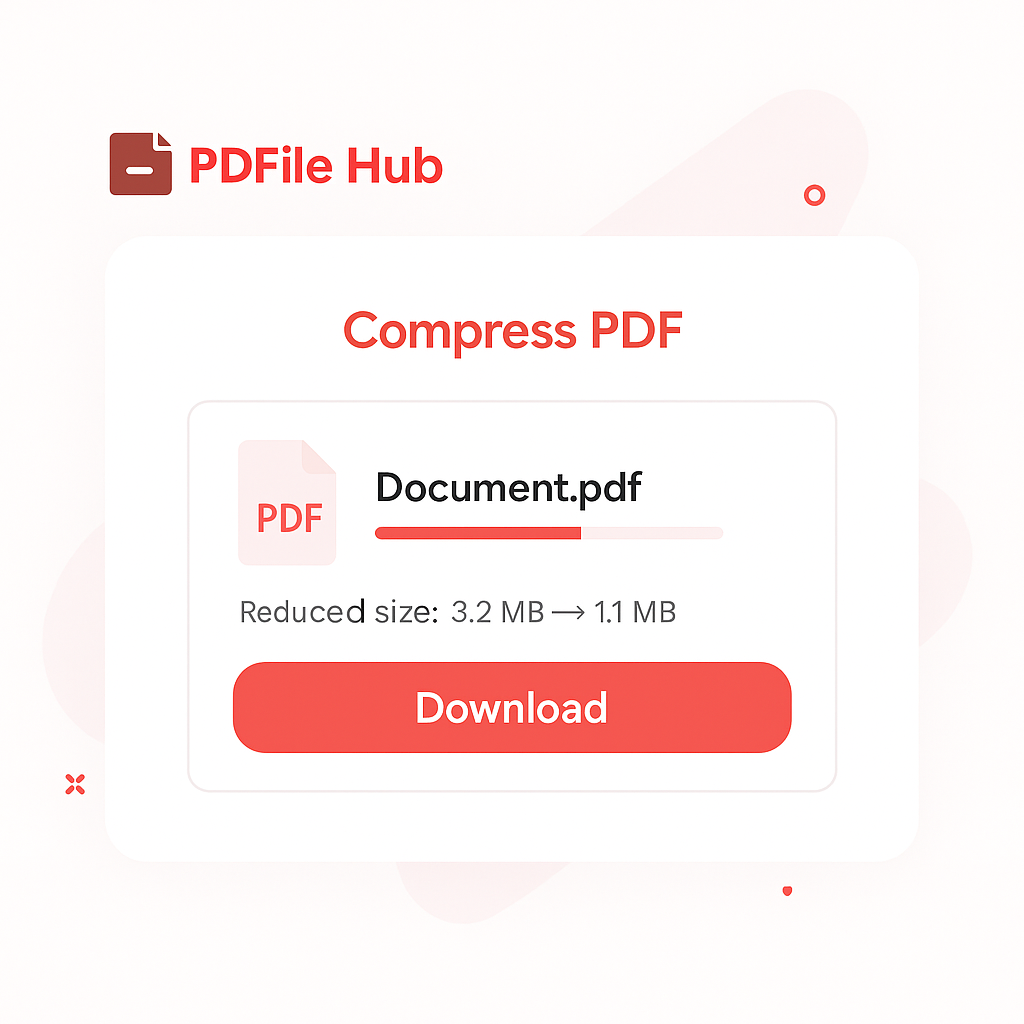
Our Compress PDF tool reduces file size while keeping your document crisp and readable. Just upload your PDF—our tool optimizes images, sub-sets fonts, and enables fast web viewing. Download a smaller, share-ready PDF perfect for email attachments, online forms, and website uploads.

Drag & drop your PDF files here

or

Files to compress

    Preparing…

    Compression Complete

    Download your compressed PDF(s) below.

    How PDFileHub Works

    PDFileHub is built to deliver fast, secure, and seamless file processing right in your browser. All tasks are handled locally on your device, ensuring complete privacy without the need for uploads or installations.

    1

    Select You Tool

    Choose from our collection of powerful converting tools.

    2

    Upload Your Files

    Drag and drop your PDF files directly into your browser.

    3

    Customize Settings

    Select pages adjust options to meet your specific needs.

    4

    Process

    Click the process button and watch our tools work their magic.

    5

    Download

    Download your processed file immediately when complete.

    compress pdf

    Why Reduce PDF File Size?

    Compressing your PDF files is essential for efficient digital document management. Smaller files are easier to handle and offer several key advantages:

    • Faster Emailing: Avoid hitting email attachment size limits (often 25MB) by making your files smaller.
    • Quicker Uploads & Downloads: Save time when sharing files on websites, cloud storage, or messaging apps.
    • Save Storage Space: Free up valuable space on your computer or cloud drive by archiving smaller documents.
    compress pdf

    Pro Tips for Lean, Crisp PDFs

    • Start clean: Remove extra pages, comments, attachments, and metadata before you compress.

    • Optimize images: Downscale big images (≈150–200 dpi for web, 300 dpi for print), convert photos to JPG/JP2, and keep logos/illustrations as vector.

    • Smart compression: Pick High for smallest email/web files or Low for higher print quality—preview before saving.

    • Subset fonts: Embed only the characters you use and limit the number of typefaces to reduce weight.

    • Streamline delivery: Flatten transparency if no more edits are needed and enable Fast Web View (linearize); batch-compress and use clear filenames for easy sharing.

    Secure & Easy Compression

    At PDFileHub, your privacy is our priority. All file processing happens directly in your browser, meaning your sensitive documents are never uploaded to our servers. This client-side approach ensures your data remains 100% private and secure.

    Our tool is designed for simplicity. With no software to install and no registration required, you can compress unlimited PDFs for free, anytime you need.

    The PDFileHub software trusted by millions of users

    PDFileHub is number one web app for editing files with ease. Enjoy all the tools you need to work efficiently with your digital documents while keeping your data safe and secure.

    Frequently Asked Questions

    Is PDFileHub free to use?

    Yes! All core PDF tools are completely free to use without any limitations. You can process as many files as you need without creating an account or subscription.

    Are my files secure?

    Absolutely. All processing happens directly in your browser. Your files are never sent to a server, ensuring your data remains completely private and secure.

    What file formats do you support?

    We support a wide range of file formats, making PDFileHub your all-in-one solution for document and image conversions. Handle all standard PDF operations with ease, including conversions to and from popular formats like PDF to Word (DOCX), PDF to Excel (XLSX), PDF to PowerPoint (PPTX), PDF to JPG, and PDF to PNG. Go beyond PDFs with powerful image conversions, such as JPG, PNG, WebP, HEIC, and SVG, as well as efficient Word and Excel conversions for seamless editing and sharing. With comprehensive format support and reliable performance, PDFileHub simplifies every file task in one secure platform.

    Is there a file size limit?

    Since all processing is done in your browser, performance depends on your computer’s memory and processing power. For best results, we recommend using reasonably sized files (e.g., under 100MB).

    Can I use PDFileHub on mobile devices?

    Yes! Our tools are fully responsive and work on all modern smartphones and tablets. You can process PDFs directly from your mobile browser with the same powerful features.

    Can I convert audio & Video files?

    Coming Soon! You’ll be able to convert and optimize your audio and video files effortlessly, all within your browser. Enjoy fast, secure, and high-quality media conversions with PDFileHub.

    Blogs

    Merge PDFs Online Safely: A Practical Guide

    Merge PDFs Online Safely: A Practical Guide

    Merging PDFs sounds simple—drop a few files in, press a button, and you’re done. In practice, you want the result…

    Easy Compress PDF Online | Reduce File Size Without Losing Quality – PDFile Hub

    Easy Compress PDF Online | Reduce File Size Without Losing Quality – PDFile Hub

    How to Compress a PDF Without Losing Quality (Desktop & Mobile) Large PDFs slow everything down—email attachments bounce, portals reject…

    PDF to PPT: Turn Static Documents into Editable Slides

    PDF to PPT: Turn Static Documents into Editable Slides

    Converting a PDF into a PowerPoint (PPTX) lets you edit text, move elements, rebrand quickly, and present without rebuilding from…