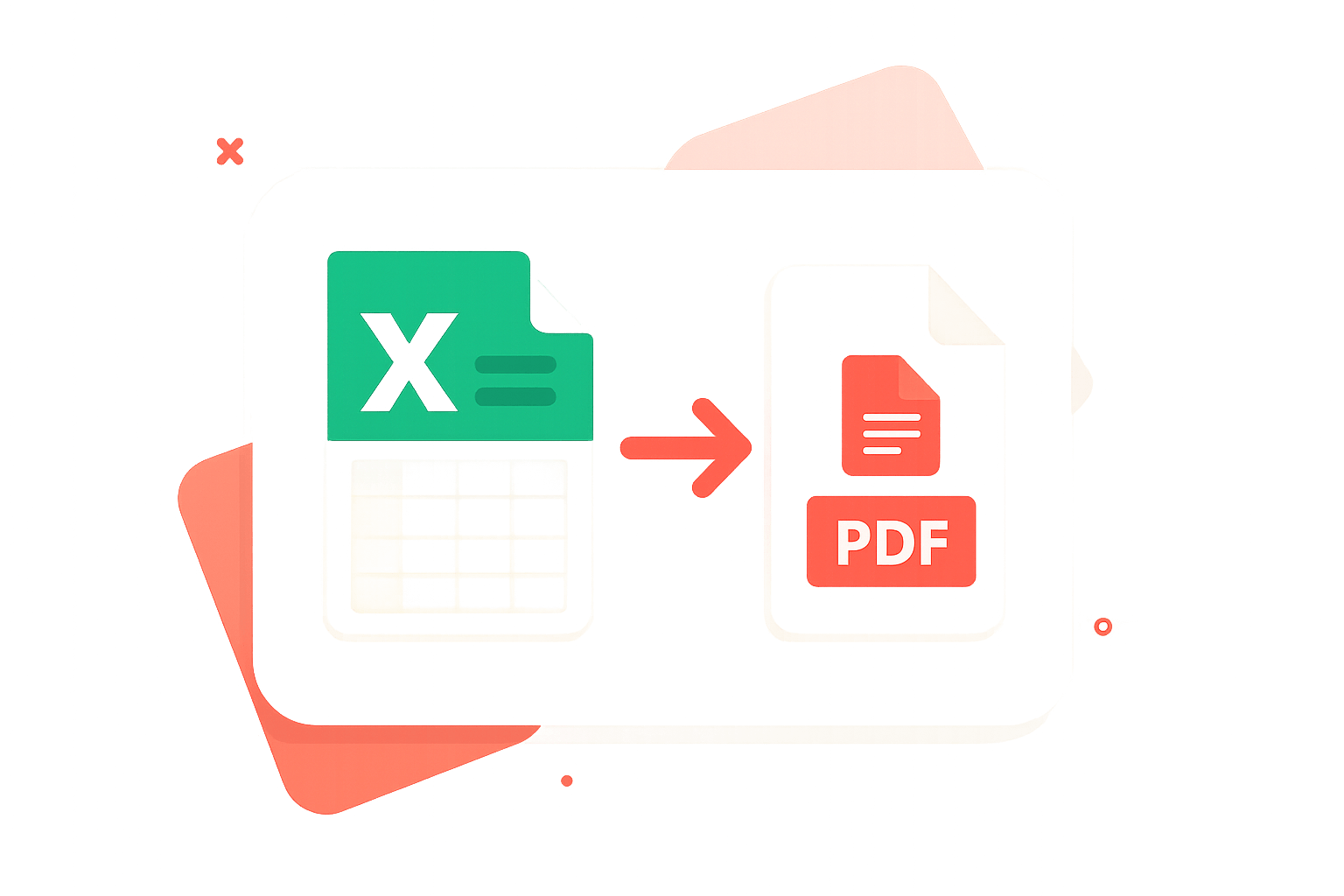
Convert Excel to PDF
excel to pdf, excel to pdf converter, convert excel to pdf, xls to pdf, excel to pdf online. smalpdf
Our Excel to PDF converter quickly transforms your XLS and XLSX files into high-quality PDFs while maintaining layouts, formulas, and tables perfectly intact. Simply upload your Excel file and get a polished, print-ready PDF in seconds.
Drag & drop your Excel file(s) (.xlsx, .xls, .csv)
orFiles to convert
Converting… Please wait.
Conversion Complete
Download your PDF file(s) below.

How PDFileHub Works
PDFileHub is built to deliver fast, secure, and seamless file processing right in your browser. All tasks are handled locally on your device, ensuring complete privacy without the need for uploads or installations.
Select You Tool
Choose from our collection of powerful converting tools.
Upload Your Files
Drag and drop your PDF files directly into your browser.
Customize Settings
Select pages adjust options to meet your specific needs.
Process
Click the process button and watch our tools work their magic.
Download
Download your processed file immediately when complete.
Why Convert Excel to PDF?
Turning your spreadsheets into PDFs makes sharing, printing, and archiving effortless—without layout surprises. A PDF locks in your columns, rows, and totals so anyone can view your data exactly as you designed it. Here are the key benefits:
-
Consistent Formatting: Preserve column widths, headings, and alignment so your report looks the same on every device.
-
Easy Sharing: PDFs open everywhere—no Excel required—making it simple to send proposals, invoices, and summaries.
-
Print-Ready Pages: Create clean, paginated documents that are ready for meetings, clients, or record-keeping.
-
Smaller, Lighter Files: Generate compact files that upload faster and take up less storage.
-
Cross-Platform Reliability: View on desktop, tablet, or phone with free PDF readers—no compatibility issues.
Want more? Explore our all tools.
Pro Tips for Perfect Excel-to-PDF
-
Set a print area: Define exactly what should appear in the PDF (Page Layout → Print Area) to avoid extra blank columns/rows.
-
Fit pages cleanly: Use Fit to Width and switch to Landscape for wide tables or dashboards so text stays readable.
-
Use page breaks: Insert manual page breaks for logical sections (e.g., one report per page).
-
Keep formatting simple: Prefer consistent fonts, clear headings, and avoid heavy borders or backgrounds that bloat file size.
Secure & Easy Excel-to-PDF
At PDFileHub, your privacy and convenience come first. All Excel-to-PDF conversion happens directly in your browser, so your spreadsheets are never uploaded to any server — ensuring 100% privacy and security.
Our tool is built for simplicity and speed. No installation, no sign-up for single conversions: just drop your file, choose options like Landscape or Fit to Width, and download a clean, paginated PDF.
Need to process many workbooks? Sign in for bulk conversions, giving you fast, reliable, and secure exports whenever you need them.
The PDFileHub software trusted by millions of users
PDFileHub is number one web app for editing files with ease. Enjoy all the tools you need to work efficiently with your digital documents while keeping your data safe and secure.
Frequently Asked Questions
Yes! All core PDF tools are completely free to use without any limitations. You can process as many files as you need without creating an account or subscription.
Absolutely. All processing happens directly in your browser. Your files are never sent to a server, ensuring your data remains completely private and secure.
We support a wide range of file formats, making PDFileHub your all-in-one solution for document and image conversions. Handle all standard PDF operations with ease, including conversions to and from popular formats like PDF to Word (DOCX), PDF to Excel (XLSX), PDF to PowerPoint (PPTX), PDF to JPG, and PDF to PNG. Go beyond PDFs with powerful image conversions, such as JPG, PNG, WebP, HEIC, and SVG, as well as efficient Word and Excel conversions for seamless editing and sharing. With comprehensive format support and reliable performance, PDFileHub simplifies every file task in one secure platform.
Since all processing is done in your browser, performance depends on your computer’s memory and processing power. For best results, we recommend using reasonably sized files (e.g., under 100MB).
Yes! Our tools are fully responsive and work on all modern smartphones and tablets. You can process PDFs directly from your mobile browser with the same powerful features.
Coming Soon! You’ll be able to convert and optimize your audio and video files effortlessly, all within your browser. Enjoy fast, secure, and high-quality media conversions with PDFileHub.
Blogs
What Is Microsoft Excel? Why It Matters—and How to Convert an Excel Sheet to XML
Microsoft Excel is one of the most influential software tools ever built. It sits quietly on millions of computers, yet…
Excel Mastery: Why It Matters—and the Easiest Way to Convert Any Sheet to a PDF
Microsoft Excel isn’t just a spreadsheet program; it’s the backbone of modern data work. From tracking expenses and inventory to…
Convert Excel to ODS (2025): What ODS Is, Why Convert from XLS/XLSX
Converting Excel (XLS/XLSX) to ODS (OpenDocument Spreadsheet) sounds easy—upload, click, done. But if you care about formula fidelity, data validation,…