Easy Excel to XML

excel to xml, Excel to XML converter, Convert Excel to XML, XLS to XML converter, XLSX to XML online, Excel file to XML format. smalpdf

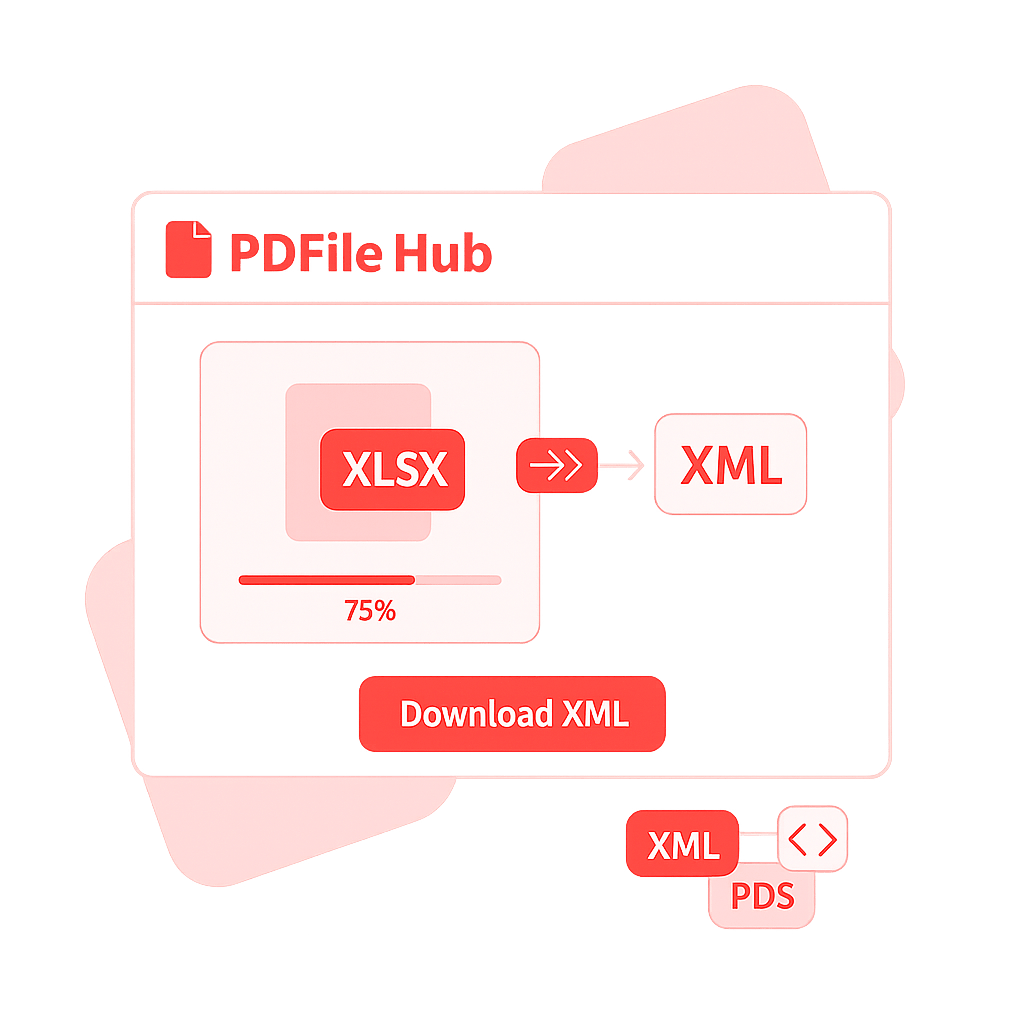
Quickly convert your Excel files (XLS or XLSX) into structured XML format with PDFile Hub. Preserve all data, headers, and hierarchy for seamless integration with databases and applications. Fast, accurate, and secure — convert Excel to XML online with just one click!

Drag & drop your Excel file(s) here

or

Files to convert

Invalid tag characters are auto-sanitized.

    Preparing…

    Conversion Complete

    Download your XML output below.

    How PDFileHub Works

    PDFileHub is built to deliver fast, secure, and seamless file processing right in your browser. All tasks are handled locally on your device, ensuring complete privacy without the need for uploads or installations.

    1

    Select You Tool

    Choose from our collection of powerful converting tools.

    2

    Upload Your Files

    Drag and drop your PDF files directly into your browser.

    3

    Customize Settings

    Select pages adjust options to meet your specific needs.

    4

    Process

    Click the process button and watch our tools work their magic.

    5

    Download

    Download your processed file immediately when complete.

    excel to xml

    Why Convert Excel to XML?

    Transforming Excel files into XML makes your data machine-readable and ready for software integrations, APIs, and databases.

    • Structured data output: Convert rows and columns into organized XML tags.

    • Perfect for developers & analysts: Use XML for web apps, APIs, or data imports.

    • Preserve all data fields: Keep tables, headers, and cell content intact.

    • Boost compatibility: XML works with most enterprise and cloud-based systems.

    • Ideal for automation: Simplify data migration and reporting workflows.

    Want more? Explore our all tools.

    excel to xml

    Pro Tips for Smooth Excel → XML

    • Clean headers = clean tags: Use simple header names (letters, numbers, _); avoid spaces/specials. Prefer singular nouns (e.g., product, price).

    • Define the structure: Root = collection (e.g., products); Record = row (e.g., product). Use @ prefix to export a column as an attribute (e.g., @id).

    • Nested data: Use dot notation for children (e.g., supplier.name<supplier><name>…</name></supplier>).

    • Normalize types: Dates in ISO-8601 (YYYY-MM-DD or YYYY-MM-DDThh:mm:ssZ), decimals with a dot, booleans as true/false.

    • Values, not formulas: Recalculate and export values; unmerge cells and remove empty helper columns.

    • Encoding & escaping: Stick to UTF-8; reserved characters (& < > " ') are auto-escaped.

    • Validate if needed: Provide an XSD to enforce required fields/types; run a quick validator after export for large feeds.

    Secure & Easy Excel to XML Conversion

    Your spreadsheets stay private—conversion is quick, reliable, and keeps data integrity intact.

    • No installs or sign-ups: Upload, convert, and download instantly.

    • Batch ready: Convert multiple Excel files to XML in one go.

    • Accurate mapping: Automatically aligns columns with XML elements.

    • Fast processing: Get structured XML files in seconds.

    • Clean, lightweight output: Generate optimized XML ready for development and integration.

    Effortless, accurate, and secure—convert Excel spreadsheets into XML with just a few clicks.

    The PDFileHub software trusted by millions of users

    PDFileHub is number one web app for editing files with ease. Enjoy all the tools you need to work efficiently with your digital documents while keeping your data safe and secure.

    Frequently Asked Questions

    Is PDFileHub free to use?

    Yes! All core PDF tools are completely free to use without any limitations. You can process as many files as you need without creating an account or subscription.

    Are my files secure?

    Absolutely. All processing happens directly in your browser. Your files are never sent to a server, ensuring your data remains completely private and secure.

    What file formats do you support?

    We support a wide range of file formats, making PDFileHub your all-in-one solution for document and image conversions. Handle all standard PDF operations with ease, including conversions to and from popular formats like PDF to Word (DOCX), PDF to Excel (XLSX), PDF to PowerPoint (PPTX), PDF to JPG, and PDF to PNG. Go beyond PDFs with powerful image conversions, such as JPG, PNG, WebP, HEIC, and SVG, as well as efficient Word and Excel conversions for seamless editing and sharing. With comprehensive format support and reliable performance, PDFileHub simplifies every file task in one secure platform.

    Is there a file size limit?

    Since all processing is done in your browser, performance depends on your computer’s memory and processing power. For best results, we recommend using reasonably sized files (e.g., under 100MB).

    Can I use PDFileHub on mobile devices?

    Yes! Our tools are fully responsive and work on all modern smartphones and tablets. You can process PDFs directly from your mobile browser with the same powerful features.

    Can I convert audio & Video files?

    Coming Soon! You’ll be able to convert and optimize your audio and video files effortlessly, all within your browser. Enjoy fast, secure, and high-quality media conversions with PDFileHub.

    Blogs

    What Is Microsoft Excel? Why It Matters—and How to Convert an Excel Sheet to XML

    What Is Microsoft Excel? Why It Matters—and How to Convert an Excel Sheet to XML

    Microsoft Excel is one of the most influential software tools ever built. It sits quietly on millions of computers, yet…

    Excel Mastery: Why It Matters—and the Easiest Way to Convert Any Sheet to a PDF

    Excel Mastery: Why It Matters—and the Easiest Way to Convert Any Sheet to a PDF

    Microsoft Excel isn’t just a spreadsheet program; it’s the backbone of modern data work. From tracking expenses and inventory to…

    Convert Excel to ODS (2025): What ODS Is, Why Convert from XLS/XLSX

    Convert Excel to ODS (2025): What ODS Is, Why Convert from XLS/XLSX

    Converting Excel (XLS/XLSX) to ODS (OpenDocument Spreadsheet) sounds easy—upload, click, done. But if you care about formula fidelity, data validation,…