Easy Convert to PNG
convert to png, jpg to png, webp to png, heic to png, svg to png, smalpdf
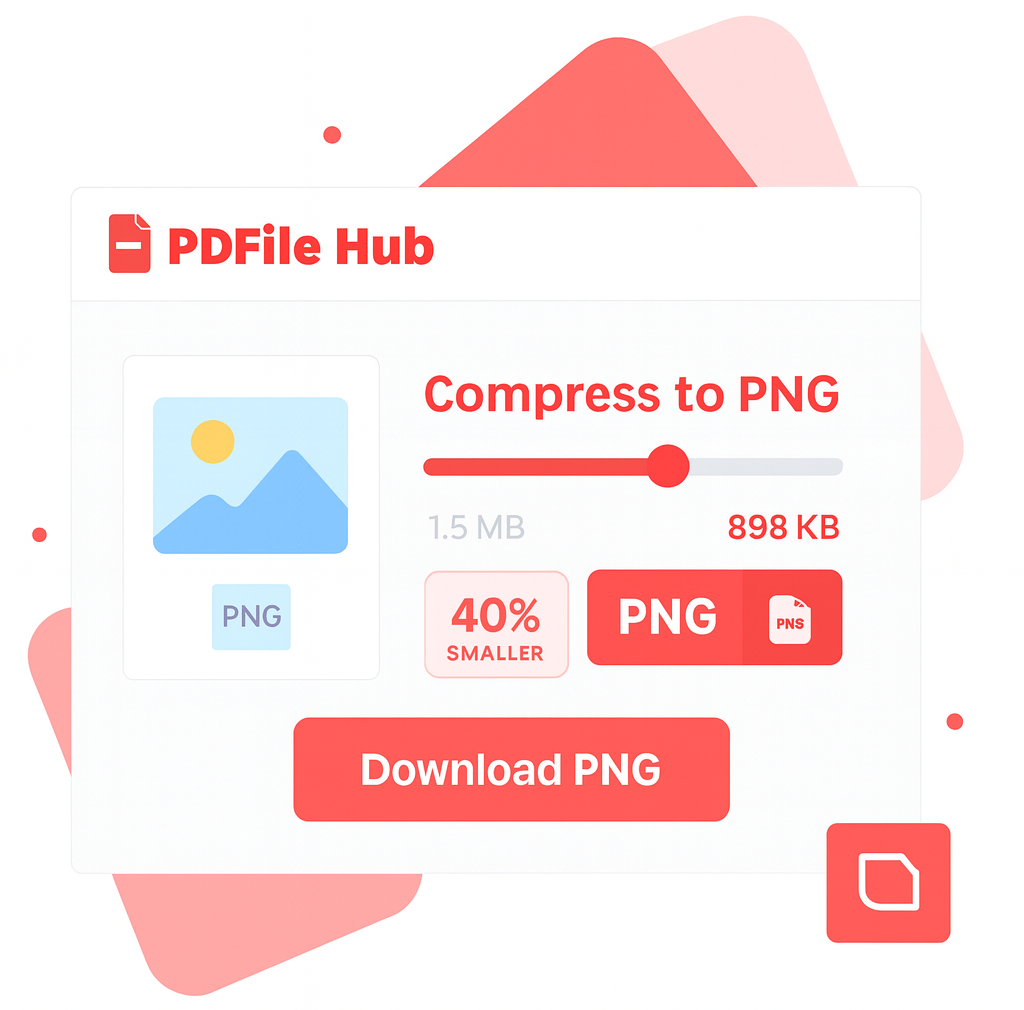
Our PNG Converter quickly transforms images and documents into high-quality PNG format. Convert from JPG, JPEG, WEBP, HEIC, or SVGto PNG effortlessly. Simply upload your file, and our smart tool preserves clarity, transparency, and detail while ensuring a perfect PNG output.
Drag & drop JPG, WEBP, HEIC, SVG, PSD, or GIF
orFiles to convert → PNG

Converting… Please wait.
Conversion Complete
Download your PNG file(s) below.
How PDFileHub Works
PDFileHub is built to deliver fast, secure, and seamless file processing right in your browser. All tasks are handled locally on your device, ensuring complete privacy without the need for uploads or installations.
Select You Tool
Choose from our collection of powerful converting tools.
Upload Your Files
Drag and drop your PDF files directly into your browser.
Customize Settings
Select pages adjust options to meet your specific needs.
Process
Click the process button and watch our tools work their magic.
Download
Download your processed file immediately when complete.
Why Convert Images to PNG?
PNG is the go-to format for crisp graphics, transparent backgrounds, and lossless image quality. Converting to PNG helps you preserve every pixel—ideal for web graphics, logos, screenshots, and digital artwork.
High-quality lossless images: Keeps original sharpness and detail with no compression artifacts.
Transparency support: Maintain see-through backgrounds for icons, logos, and layered graphics.
Perfect for text & graphics: Crisp edges for illustrations, charts, and screenshots without blurring.
Consistent output: Convert JPG, WEBP, HEIC/HEIF, SVG, or PSD to a reliable PNG format.
Flexible resize: Set custom width and height to fit your design needs.
Note: PNG files can be larger than JPG due to lossless compression—best for images where quality matters most.
Pro Tips for Pixel-Perfect PNGs
Choose the right PNG: Use PNG-24 (true-color + alpha) for photos or anything needing smooth transparency; use PNG-8 (indexed) for logos, icons, and flat graphics to keep files small.
Export at final size: Set exact display dimensions (add 2× for retina if needed). Avoid uploading oversized images the browser must downscale.
Preserve clean transparency: Remove halos by trimming the canvas, cleaning edges, and using a neutral/matching matte if you must flatten.
Lock in web-safe color: Convert to sRGB (not CMYK) to prevent color shifts across browsers and devices.
Optimize the file: Strip metadata, flatten unused layers, and apply lossless PNG compression; consider a WebP fallback when page speed is critical.
Secure & Easy PNG Conversion
Your images stay private—conversion runs directly in your browser, so files never leave your device.
No installs or sign-ups: Just drag, drop, and download your PNGs instantly.
Quality control: Adjust compression levels to balance size and clarity.
Broad input support: Convert from JPG, WEBP, HEIC/HEIF, SVG, and PSD to high-quality PNG.
Transparency preserved: Logos, icons, and layered images keep their transparent background.
Batch ready: Convert multiple files at once and download individually or as a ZIP.
Fast, simple, and secure—create clear, web-ready PNGs in seconds.
The PDFileHub software trusted by millions of users
PDFileHub is number one web app for editing files with ease. Enjoy all the tools you need to work efficiently with your digital documents while keeping your data safe and secure.
Frequently Asked Questions
Yes! All core PDF tools are completely free to use without any limitations. You can process as many files as you need without creating an account or subscription.
Absolutely. All processing happens directly in your browser. Your files are never sent to a server, ensuring your data remains completely private and secure.
We support a wide range of file formats, making PDFileHub your all-in-one solution for document and image conversions. Handle all standard PDF operations with ease, including conversions to and from popular formats like PDF to Word (DOCX), PDF to Excel (XLSX), PDF to PowerPoint (PPTX), PDF to JPG, and PDF to PNG. Go beyond PDFs with powerful image conversions, such as JPG, PNG, WebP, HEIC, and SVG, as well as efficient Word and Excel conversions for seamless editing and sharing. With comprehensive format support and reliable performance, PDFileHub simplifies every file task in one secure platform.
Since all processing is done in your browser, performance depends on your computer’s memory and processing power. For best results, we recommend using reasonably sized files (e.g., under 100MB).
Yes! Our tools are fully responsive and work on all modern smartphones and tablets. You can process PDFs directly from your mobile browser with the same powerful features.
Coming Soon! You’ll be able to convert and optimize your audio and video files effortlessly, all within your browser. Enjoy fast, secure, and high-quality media conversions with PDFileHub.
Blogs
Compress jpg/png for Web | Free Online Image Compressor – PDFile Hub
💡 Why Image Compression Matters When it comes to website performance, images play a huge role. In fact, images often…
Remove Image Background: Clean Cutouts for Web, Print, and E-Commerce
Removing a photo’s background turns a good asset into a flexible one—ready for product pages, social graphics, presentations, or print.…
Convert JPG, WEBP, HEIC, SVG to PNG: The Complete Guide (Desktop & Mobile)
Converting images to PNG sounds simple—pick a file, hit convert, download. But if you care about crisp results, transparency, color…