Word to PDF

word to pdf, word to pdf converter, convert word to pdf, convert word to pdf online, doc to pdf converter. smalpdf

Convert your Word documents (DOC or DOCX) into professional, print-ready PDF files with PDFile Hub. Preserve layout, fonts, images, and formatting perfectly. Fast, secure, and reliable — turn Word to PDF online in just seconds, ideal for sharing, printing, or archiving!

Drag & drop your DOCX file(s) here

or

Files to convert

Images are embedded. Complex layouts may differ from Word.

    Preparing…

    Conversion Complete

    Download your PDF file(s) below.

    How PDFileHub Works

    PDFileHub is built to deliver fast, secure, and seamless file processing right in your browser. All tasks are handled locally on your device, ensuring complete privacy without the need for uploads or installations.

    1

    Select You Tool

    Choose from our collection of powerful converting tools.

    2

    Upload Your Files

    Drag and drop your files directly into your browser.

    3

    Customize Settings

    Select pages adjust options to meet your specific needs.

    4

    Process

    Click the process button and watch our tools work their magic.

    5

    Download

    Download your processed file immediately when complete.

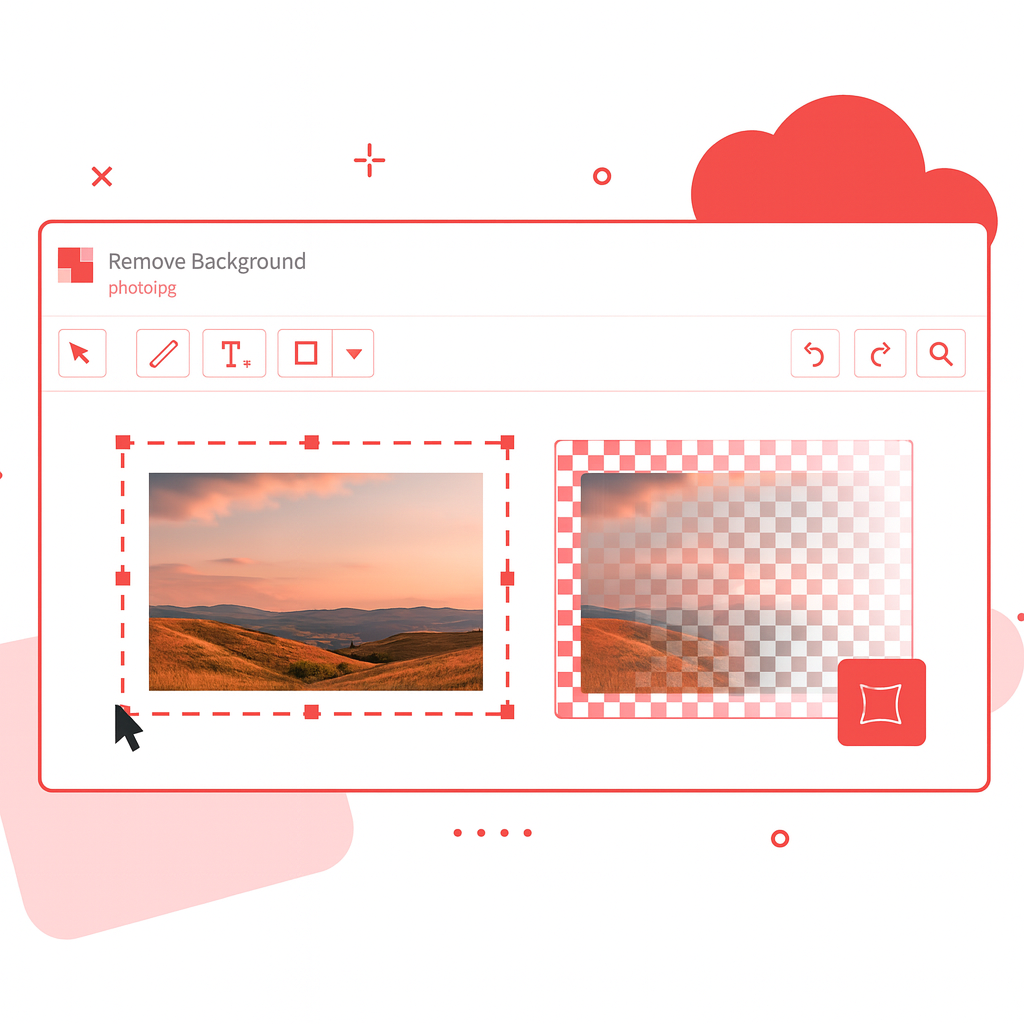
    image background removal

    Why Convert Word to PDF?

    Converting Word files to PDF ensures your documents look professional, consistent, and easy to share across all devices.

    • Preserve formatting: Keep fonts, layouts, images, and styles exactly as in Word.

    • Universal compatibility: PDFs open the same way on any device or platform.

    • Perfect for sharing: Ideal for resumes, contracts, reports, and official documents.

    • Smaller file size: Optimize Word documents for easier storage and quicker uploads.

    • Print-ready quality: Get high-resolution PDFs for printing or archiving.

    Want more? Explore our all tools.

    image background removal

    Pro Tips for Flawless Word → PDF

    • Lock layout with styles: Use Heading/Paragraph/List styles—avoids random spacing and keeps your table of contents clickable.

    • Set page size + margins: Choose Letter/A4 (or custom) and correct orientation before export; check print bleed if needed.

    • Embed the fonts: File → Options → Save → Embed fonts in the file. Prevents font swaps on other devices.

    • High-res images, right color: Use 150–300 DPI images and sRGB color for on-screen PDFs; CMYK only for print workflows.

    • Alt text & tags: Add alt text to images, proper heading order, and document title—improves accessibility and SEO.

    • Hyperlinks & bookmarks: Use real hyperlinks; turn on Create bookmarks using Headings for easy navigation.

    Secure & Easy Word to PDF Conversion

    Your documents remain private—conversion is quick, safe, and maintains top quality.

    • No installs or sign-ups: Just upload, convert, and download instantly.

    • Batch ready: Convert multiple Word files to PDF at once.

    • Accurate formatting: Ensure tables, charts, and graphics remain intact.

    • Fast processing: Get your PDFs in seconds without any software.

    • Lossless quality: High-resolution output with no data loss.

    Fast, simple, and secure—turn your Word documents into professional PDFs in just a few clicks.

    The PDFileHub software trusted by millions of users

    PDFileHub is number one web app for editing files with ease. Enjoy all the tools you need to work efficiently with your digital documents while keeping your data safe and secure.

    Frequently Asked Questions

    Is PDFileHub free to use?

    Yes! All core PDF tools are completely free to use without any limitations. You can process as many files as you need without creating an account or subscription.

    Are my files secure?

    Absolutely. All processing happens directly in your browser. Your files are never sent to a server, ensuring your data remains completely private and secure.

    What file formats do you support?

    We support a wide range of file formats, making PDFileHub your all-in-one solution for document and image conversions. Handle all standard PDF operations with ease, including conversions to and from popular formats like PDF to Word (DOCX), PDF to Excel (XLSX), PDF to PowerPoint (PPTX), PDF to JPG, and PDF to PNG. Go beyond PDFs with powerful image conversions, such as JPG, PNG, WebP, HEIC, and SVG, as well as efficient Word and Excel conversions for seamless editing and sharing. With comprehensive format support and reliable performance, PDFileHub simplifies every file task in one secure platform.

    Is there a file size limit?

    Since all processing is done in your browser, performance depends on your computer’s memory and processing power. For best results, we recommend using reasonably sized files (e.g., under 100MB).

    Can I use PDFileHub on mobile devices?

    Yes! Our tools are fully responsive and work on all modern smartphones and tablets. You can process PDFs directly from your mobile browser with the same powerful features.

    Can I convert audio & Video files?

    Coming Soon! You’ll be able to convert and optimize your audio and video files effortlessly, all within your browser. Enjoy fast, secure, and high-quality media conversions with PDFileHub.

    Blogs

    Convert Word to JPG (2025): What JPG Is, Why You’d Use It

    Convert Word to JPG (2025): What JPG Is, Why You’d Use It

    Converting Word (DOC/DOCX) to JPG sounds simple—save, download, done. In practice, a polished result means right resolution (DPI), correct page…

    Word to ODT (OpenDocument) Conversion: A Clean Guide for 2025

    Word to ODT (OpenDocument) Conversion: A Clean Guide for 2025

    Converting a Microsoft Word document to ODT (OpenDocument Text) sounds simple—save, download, done. But if you care about clean formatting,…

    Word to PDF: Safe, Fast & Free Conversion (Desktop, Mobile & Online)

    Word to PDF: Safe, Fast & Free Conversion (Desktop, Mobile & Online)

    Converting Word to PDF sounds simple—open a .docx, hit “Export,” and call it a day. In practice, you want the…